

HTML Slides: Create, Present and Export HTML Presentations
Make HTML slides with AI, or open an HTML presentation you already have from Claude, ChatGPT or Gemini. Present it full screen with speaker notes, then export your HTML slides to PowerPoint, PDF or a single HTML file. No install, nothing to set up.
Slides
2 free decks a day, no sign-up
- Files stay in your browser
- PPTX, PDF and HTML export
- Presenter view with notes
How it works
How to Make HTML Slides in 3 Steps
From a one-line idea to a finished HTML presentation in about a minute.
Describe it or drop it in
Type what your talk is about and pick the number of slides and a style, or open an HTML presentation you already have. Pasting the code works too.
Preview every slide
Your HTML slides appear on the right as they are written. Step through them with the arrow keys and check the layout before anyone else sees it.
Present or export
Go full screen, open the presenter view on your laptop, or download the deck as a PowerPoint file, a PDF or one self-contained HTML file.
Open & present
Open and Present Any HTML Presentation
AI assistants are good at writing HTML slides, but they hand you code, not a presentation tool. Drop that HTML presentation here and HTML Slides finds the slides, scales them to your screen and lets you move through them with the keyboard, a clicker or a click.
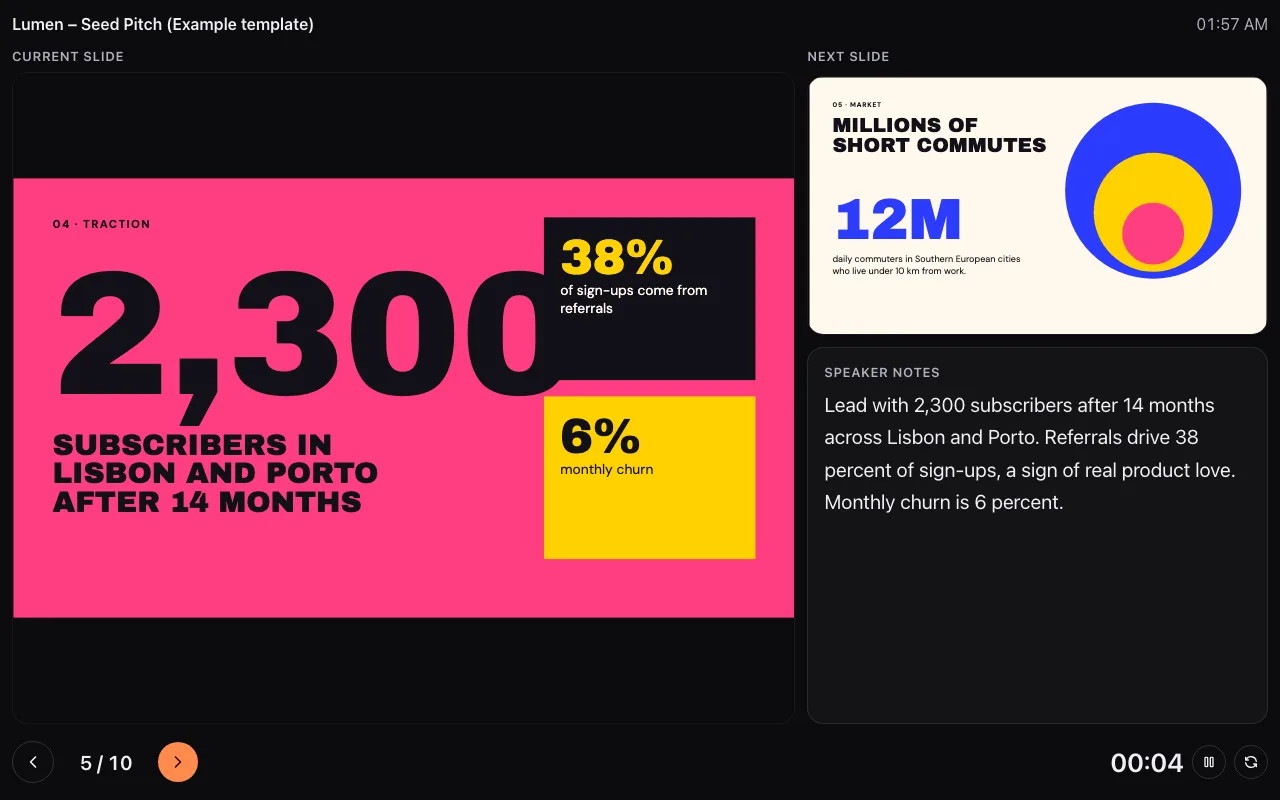
Press Present for full screen. Open the presenter view and your laptop shows the speaker notes, a timer and the next slide while the audience sees only the deck. Both windows stay in sync.
- Claude and Claude Code
- ChatGPT and Codex
- Gemini
- Cursor and other coding agents
- The frontend-slides skill
- reveal.js and Marp exports
Export
Export HTML Slides to PowerPoint and PDF
Your colleague wants a .pptx, the client wants a PDF. Convert the same HTML slides to whatever the room needs.
PowerPoint (.pptx)
Each slide becomes a full-quality picture, so the design looks exactly like your HTML slides. Speaker notes come along.
Editable PPTX
Headings and body text are rebuilt as real text boxes on top of the design, so you can fix a typo in PowerPoint or Google Slides.
One page per slide at 1920 × 1080. Good for email, printing and sharing a fixed copy after the talk.
Single HTML file
Keyboard navigation and screen scaling are built in. Double-click it and the HTML presentation plays in any browser, even offline.
Exports run in your browser. Animations and clickable parts of an HTML presentation become still images in PowerPoint and PDF; keep the HTML file for the live version.
Templates
HTML Slides Templates and Examples
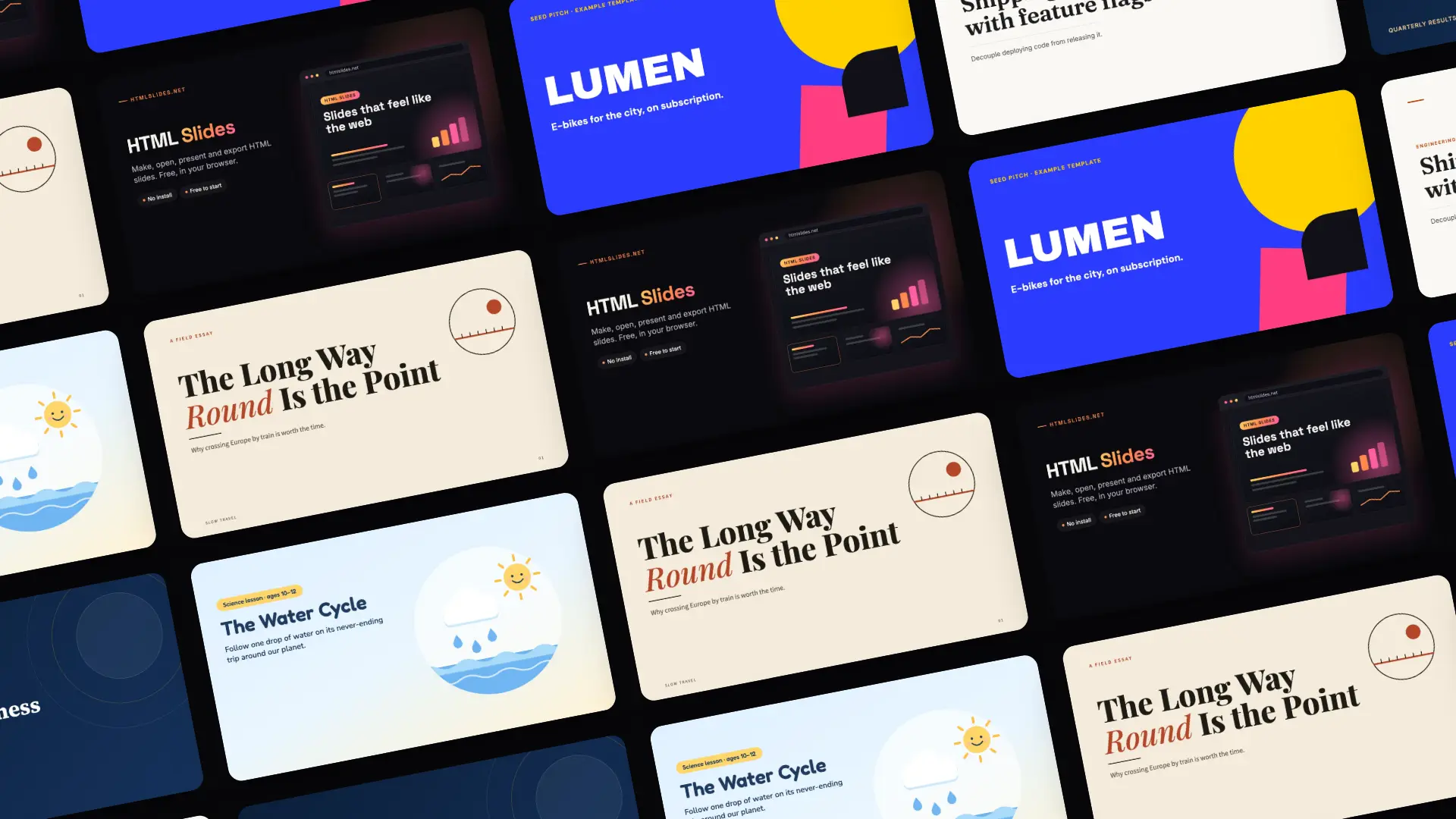
Every template below is a real deck made with this tool. Open one, present it, or use it as a starting point.
What Are HTML Slides?
HTML slides are a slide deck written as a web page. Each slide is a section of the page, CSS handles the layout, colors and type, and a few lines of JavaScript move from one slide to the next. The whole HTML presentation is usually one document that opens in any browser, on any computer, without PowerPoint or Keynote.
Developers have built decks this way for years with frameworks such as reveal.js. What changed is AI: language models write HTML and CSS very well, so asking Claude or ChatGPT for an HTML presentation often gives you a better-looking deck than a slide app would in the same time. The catch is that you then need a way to present the file properly and to share it with people who expect PowerPoint.
That is the gap this site fills. Use HTML Slides to make the deck, present it like a pro, and turn it into the file format each audience asks for.
Bring your own AI
How to Make an HTML Presentation with Claude or ChatGPT
Already using an AI assistant? These four habits give you HTML slides that open cleanly and look right on any screen.
- 1
Ask for one self-contained document
Tell the assistant to put all CSS and JavaScript inside a single HTML file, one section per slide, with no external images. That keeps the HTML presentation portable.
- 2
Give it the facts
Paste your numbers, outline or notes. Models write better slides from real material and invent less when the brief is specific.
- 3
Ask for speaker notes
Request a short note per slide inside an aside element with the class notes. The presenter view here shows them next to the slide.
- 4
Open it here to present and convert
Copy the code into the Open tab, check every slide, then present it or export the HTML presentation to PPTX or PDF for people who need a file.
Prefer not to write prompts at all? Use the Generate tab above: it follows these rules for you and streams the HTML presentation into the viewer slide by slide.
Compare
HTML Slides vs PowerPoint vs reveal.js
An honest look at where each tool fits.
| This site | PowerPoint | reveal.js | |
|---|---|---|---|
| Install needed | No | Yes, or a subscription | No, but you set up a project |
| Make a deck from a prompt | Yes | Add-on | No |
| Open decks written by AI | Yes | No | Only its own format |
| Presenter view | Yes | Yes | Yes |
| Export to PPTX | Yes | Native | No |
| Export to PDF | Yes | Yes | Through the print dialog |
| Write code | Optional | No | Yes |
PowerPoint is still the better editor for heavy, slide-by-slide editing. reveal.js gives developers full control over their HTML presentation. This site is for getting a good-looking deck fast and presenting or converting it without setup.
Use cases
Who Uses HTML Slides
Developers and tech talks
Code blocks, architecture diagrams and a deck you can keep in git next to the project.
Founders and pitch decks
A sharp investor deck in minutes, then a PDF for the follow-up email.
Teachers and trainers
Lesson slides with diagrams and quizzes; notes in the presenter view keep you on track.
Product and marketing teams
Launch reviews and quarterly updates that look like your website, not a 2010 template.
Workshop hosts
Run the deck in the browser on any venue computer, no software to install.
Anyone with an AI-made file
Got HTML slides from an assistant? Open them here and present or convert them.
FAQ
HTML Slides FAQ
Is HTML Slides free?
+
Yes. Opening, presenting and exporting HTML slides is free. AI generation is free for 2 decks a day without an account and 5 a day when you sign in. Pro design decks use credits.
How do I present an HTML presentation made by Claude or ChatGPT?
+
Save the code as an .html file (or copy it), open the Open tab above and drop it in or paste the code. Then press Present for full screen or open the presenter view.
Can I convert HTML slides to PowerPoint?
+
Yes. Choose Export, then PPTX. The standard export keeps the design exactly as a picture per slide; the editable option adds real text boxes so you can change the words in PowerPoint or Google Slides.
Can I export HTML slides to PDF?
+
Yes. Export, then PDF gives you one page per slide. It is made in your browser, so it works for private decks too.
Are my files uploaded?
+
No. Files you open stay in your browser, and recent decks are saved only on this device. When you generate with AI, your topic and notes are sent to the AI model to write the deck.
Which HTML presentations work?
+
Most do: decks from AI assistants, the frontend-slides skill, reveal.js and Marp exports, and any page that marks slides as sections. An HTML presentation that loads local images or scripts from its own folder works best saved as one self-contained document.
Do animations and interactive parts keep working?
+
Yes in the viewer and in the downloaded HTML file. In PowerPoint and PDF each slide becomes a still image of its final state.
Can I edit an HTML presentation after it is made?
+
Yes. Generate again with a clearer brief, edit the code in any text editor and open it again here, or export an editable PPTX and change the words in PowerPoint.
What languages can the AI write slides in?
+
Write your topic in your language and the HTML slides come back in the same language.
Can I use the decks commercially?
+
Yes. The decks you generate and export are yours to use for work, teaching or client projects.
Make Your Next Talk with HTML Slides
Generate a deck, open the one you have, present it and export it. All in the browser tab you already have open.